Running On-Device LLMs in .NET MAUI with `Microsoft.Maui.Essentials.Ai`

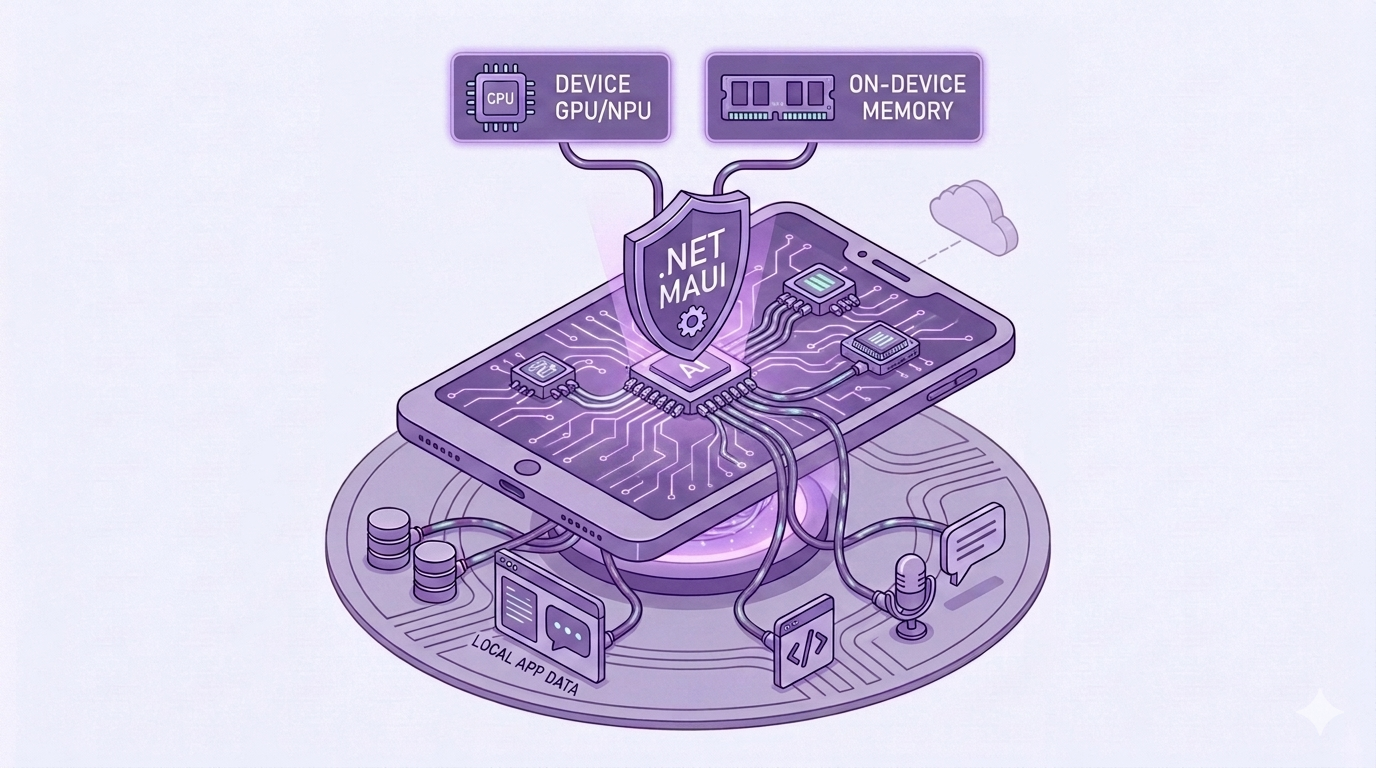
The fastest, cheapest, most private LLM call is the one that never leaves your phone. Microsoft.Maui.Essentials.Ai makes it easy.
This is Part 7 of our Microsoft.Extensions.AI series. Every LLM we've talked about thus far (Ollama, OpenAI, Azure) ran somewhere else. This week, our .NET MAUI app runs the built-in model on user's phone.
You're welcome to skip the definitions and jump directly to the code below.
What is Microsoft.Maui.Essentials.Ai?
Microsoft.Maui.Essentials.Ai is a .NET MAUI NuGet Package that exposes on-device foundation models, like Apple Intelligence and Google's Gemini, as the same IChatClient we learned about in Part 1.
That means everything we've built in this series (streaming, chat history, function calling) works unchanged, except now it's offline, completely private, and costs $0 per token.
Opt-into this Experimental Feature
Just like IImageGenerator in Part 3, this package ships with the [Experimental] attribute while the team gathers feedback.
- In the
csprojfile of your .NET MAUI app, suppressMAUIAI0001:
<!-- Opt into the experimental Microsoft.Maui.Essentials.Ai APIs -->
<PropertyGroup>
    <NoWarn>$(NoWarn);MAUIAI0001</NoWarn>
</PropertyGroup>
Important: Apple Intelligence requires iOS 26+ / macOS 26+ AND a physical device — it does not run on Simulators. Android and Windows support is planned, but not available yet.
Code
Now that we have those pesky definitions out of the way, let's write some code.
You can find the completed code sample here.
Prerequisites
If you'd like to follow along, here are the steps.
- A physical iPhone or Mac with Apple Intelligence enabled (iOS 26+ / macOS 26+)
- Create a new .NET MAUI app
- Add the following NuGet Packages:
If you're unfamiliar with adding NuGet Packages, you can find more information here.
Now let's write some code.
MauiProgram.cs
Not every iPhone supports Apple Intelligence, so let's write our code to check at runtime for the proper operating system + physical device, then fall back to Ollama if the conditions aren't met. The cool thing is that the rest of our code only ever sees IChatClient:
using Microsoft.Extensions.AI;
using Microsoft.Maui.Essentials.AI;
using OllamaSharp;

builder.Services.AddChatClient(static _ =>
{
    // Apple Intelligence requires iOS 26+ / macOS 26+ on a physical device
    if ((OperatingSystem.IsIOSVersionAtLeast(26) || OperatingSystem.IsMacCatalystVersionAtLeast(26))
        && DeviceInfo.Current.DeviceType == DeviceType.Physical)
    {
        return CreateAppleIntelligenceChatClient();
    }

    // Every other platform falls back to Ollama
    return new OllamaApiClient(new Uri("http://localhost:11434"), "qwen3.5");
});

static IChatClient CreateAppleIntelligenceChatClient()
{
#if IOS || MACCATALYST
    return new AppleIntelligenceChatClient();
#else
    throw new NotSupportedException("Apple Intelligence is only available on iOS + macOS");
#endif
}
Now let's deploy to a physical iPhone, turn on Airplane Mode, and ask our chat app the question "What is .NET MAUI?":
.NET MAUI is a cross-platform framework for building native mobile and desktop apps with C# and XAML, from a single codebase.
It works! And with NO internet connection! The model ran entirely on the phone's Neural Engine. 🎉
Conclusion
As .NET developers, we can now offer AI features that work offline, protect our users' privacy, and cost us nothing per request, thanks to Microsoft.Maui.Essentials.Ai.
And we've only scratched the surface! The package also includes NLEmbeddingGenerator, an on-device IEmbeddingGenerator (iOS 13+) — which means the semantic search we built in Part 2 can run on-device too.
You can find the completed code sample here: https://github.com/Dometrain/from-zero-to-hero-microsoft-extensions-ai
Next week, we'll finally answer the most-asked question in AI: what is RAG, and how do we build one in C#? Make sure to subscribe to this blog so you don't miss it! 👇
To learn even more about Microsoft.Extensions.AI, check out my course on Dometrain:
 Brandon Minnick